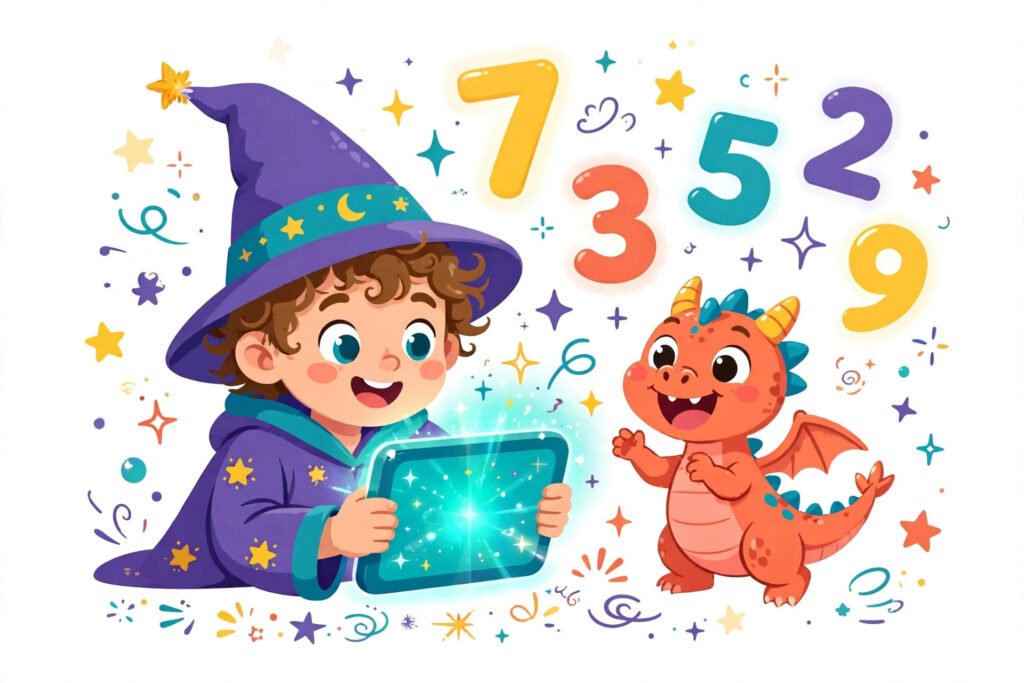
The Prodigy Math app is a free educational game for phones and tablets that teaches math to children in grades 1 to 8. Children play as wizards in a fantasy world, answer math questions to cast spells in battles, explore islands, complete quests, and collect pets and gear. The questions adapt to each child, so the app works for a grade 1 child learning addition and a grade 8 child working on fractions. The math itself is free, and the app is the same game as the browser version, on the same account. This guide covers what the app teaches, how to get it, and what parents should know before handing over a tablet.
What the app covers
The app covers the full Prodigy Math curriculum for grades 1 to 8, aligned to school standards. That means number sense and addition in the early grades, multiplication, division, and fractions in the middle grades, and decimals, geometry, and early algebra further up. When a child starts, a placement test works out their level, so the questions fit what they already know instead of starting at grade 1 for everyone. How that test works is explained in Prodigy placement test explained. Because the questions adapt as the child answers, the app stays at the right difficulty: get questions right and they get harder, struggle and they get easier.
One account also opens Prodigy English, a separate reading and language adventure, so a child can switch subjects without a second login. The app itself is built around math, but the account is shared. A grade 5 child, for example, will meet the topics their school teaches at that level, which is why the grade pages on this site, such as Prodigy Math for Grade 5, are a useful check on what your child should be practising.
How to get the app
Download the Prodigy Math Game app free from the App Store on an iPhone or iPad, or from Google Play on an Android phone or tablet. Search for Prodigy Math Game, check that the publisher is Prodigy Education, and install it. Then log in with your child’s account, or create a new account in the app. The download is free and the math curriculum is free to play. The step by step install is in How to download the Prodigy Math app. The app needs an internet connection to play, because progress, questions, and rewards are handled online, so it will not work on a plane or in a dead zone.
What children actually do in the app
Inside the app, the child is a young wizard exploring a fantasy island. They walk around the map, talk to characters, take on quests, and battle monsters. Every battle is a math test: to cast a spell, the child must answer a math question correctly. Answer well and the spell lands hard; answer wrong and the monster gets a turn. Between battles, children collect pets, buy gear with coins earned in the game, and customise their wizard. That loop, explore, battle, earn, customise, is what keeps children playing far longer than they would sit with a worksheet. The learning is real, but it is wrapped in a game, and for some children the game side can distract from the math side, so a parent who checks progress once a week will spot that early.
What parents should know
Parents get the same dashboard as browser players: progress, grade level, weekly questions, curriculum progress, and a monthly report card, all from a free parent account linked to the child’s account. The membership is optional and adds game extras, such as more pets and gear, plus parent tools like practice areas and printable worksheets. It does not unlock extra math: the full curriculum is free either way. The app will regularly show membership offers inside the game, so tell your child in advance that those offers are for you to decide, not for them to tap. Screen time is the other thing to plan: the game is designed to be hard to put down, so a time limit agreed before play starts works better than one announced mid battle.
Frequently asked questions
Is the Prodigy Math app free?
Yes. The app is free to download and the full math curriculum is free to play. An optional membership adds game extras, such as extra pets and gear, and extra parent tools.
What grades does the Prodigy app cover?
The app covers math for grades 1 to 8. A placement test sets the starting level, and the questions adapt as your child answers them.
Is the Prodigy app the same as the browser game?
Yes. The app and the browser version are the same game on the same account, so pets, gear, level, and progress carry over between a phone, a tablet, and a computer.
Does the Prodigy app work offline?
No. The app needs an internet connection to play, because progress, questions, and rewards are handled online.
Is Prodigy English in the same app?
Prodigy English is a separate subject in the same account. One Prodigy account opens both Prodigy Math and Prodigy English, so your child can switch subjects without a second login.
Related guides
This site is an independent guide. It is not the official Prodigy site, and it is not affiliated with Prodigy Education.